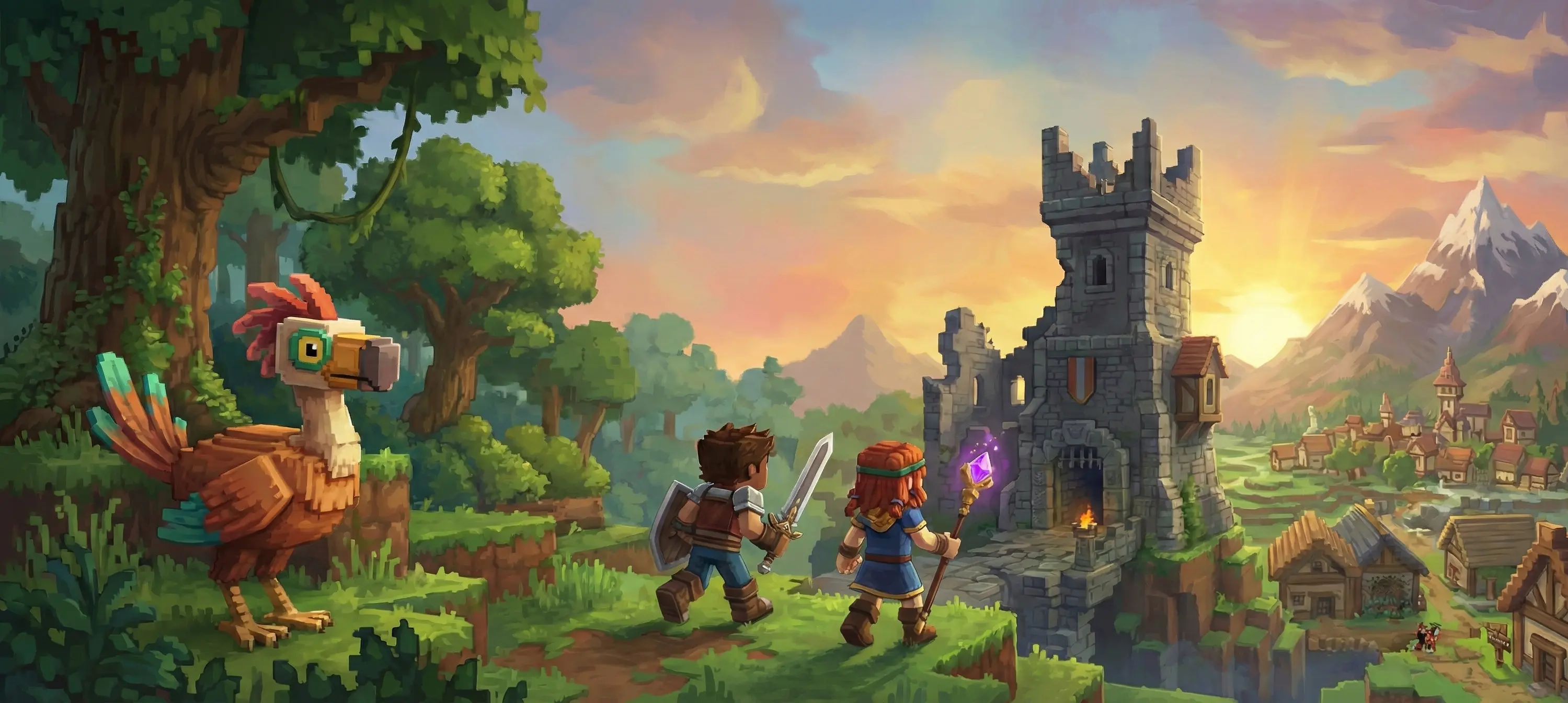
Hytale System Requirements: Everything You Need to Know Before Playing
Hytale launches in Early Access on January 13, 2026, and Hypixel Studios has just revealed the official hardware requirements. Good news: the game will be accessible to a wide audience while offering an optimal experience for more powerful configurations. Here's everything you need to know to prepare your PC.
Key Takeaways
- Minimum configuration: playable at 30 FPS in 1080p with Intel HD Graphics 630
- Recommended configuration: 384 blocks view distance, the optimal experience intended by developers
- Multiplayer mode: less demanding than singleplayer, ideal if your PC is borderline
- Ongoing optimization: performance will improve throughout Early Access
Hardware Configuration Table
| Category | Processor (CPU) | Graphics Card (GPU) | Memory (RAM) | Storage | Operating System |
|---|---|---|---|---|---|
| Minimum | Intel Core i5-4670K AMD Ryzen 3 1200 | Nvidia GeForce GTX 950 AMD Radeon RX 460 Intel HD Graphics 630 | 8 GB | 10-20 GB (SSD recommended) | Windows 10 64-bit |
| Recommended | Intel Core i5-8400 AMD Ryzen 5 2600 | Nvidia GeForce GTX 1060 AMD Radeon RX 580 | 16 GB | 20 GB on SSD | Windows 11 64-bit |
| Streamer/Creator | Intel Core i7-12700K AMD Ryzen 7 5800X | Nvidia GeForce RTX 3070 AMD Radeon RX 6700 XT | 32 GB | 20 GB on NVMe SSD | Windows 11 64-bit |
Important note: All configurations require a 64-bit processor and operating system.
View Distance: The Key Parameter
View distance is the most impactful setting on Hytale's performance. Here's why:
How Does It Work?
When you double the view distance (for example from 192 to 384 blocks), you quadruple the amount of world to load. More blocks, more NPCs, more calculations = more load on your PC.
Recommended Distances
- 192 blocks: minimum configuration, for playing on modest PCs
- 384 blocks: recommended configuration, the experience intended by developers to discover the world of Orbis
- 768 blocks: for high-end configurations
- 1024 blocks: for purists with very powerful hardware
💡 Tip: Start at 384 blocks and adjust based on your machine's performance.
Singleplayer vs Multiplayer: A Crucial Difference
Singleplayer Mode
This is the most demanding mode because your computer must handle:
- The client (display, interface, graphics)
- The server (world generation, NPCs, game logic, physics)
Your CPU and RAM are particularly stressed in singleplayer.
Multiplayer Mode
Much less demanding because:
- The server runs remotely
- Your PC only handles the client
- Better performance on the same hardware
Tip for limited configurations: If your PC struggles in singleplayer, join a multiplayer server or minigames for a smooth experience!
Internet Connection Requirements
Hytale requires a connection for the initial download, but you can always play singleplayer in offline mode.
For Multiplayer
Network requirements depend on your view distance:
| View Distance | Download (extreme scenario) | Normal usage |
|---|---|---|
| 192 blocks | ~2.5 Mbit/s | Much less |
| 384 blocks | ~5 Mbit/s | Much less |
| 768 blocks | ~10 Mbit/s | Much less |
- Upload: negligible (<250 Kbit/s)
- Minigames: very low bandwidth consumption
- 1 Mbit/s ADSL connection: playable with reduced view distance
Storage Space and Memory
Storage
- Minimum: 10 GB
- Recommended: 20 GB for comfortable long-term play
- Type: SSD strongly recommended (NVMe SSD for streamers)
Hytale's world is procedurally generated and can grow without limit. The more you explore and build, the more space you'll need.
RAM (System Memory)
RAM is essential for Hytale. Here are VRAM (graphics memory) requirements by view distance:
- 192 blocks: ~2 GB VRAM
- 384 blocks: ~4 GB VRAM
- 768+ blocks: ~6-8 GB VRAM
Configuration for Streamers and Content Creators
If you plan to stream or create content on Hytale, here's what you need:
High-End Configuration
- CPU: Intel Core i7-12700K or AMD Ryzen 7 5800X (minimum)
- GPU: Nvidia GeForce RTX 3070 or AMD Radeon RX 6700 XT (minimum)
- RAM: 32 GB DDR4-3200
- Goal: Stable 60+ FPS at high resolution during recording
Internal Benchmark
The team tested with an AMD Ryzen 9 9950X3D and Nvidia RTX 5080: 400 FPS at 3840×1440 with 768 blocks view distance while recording in AV1!
Why Is Hytale Demanding?
CPU > GPU
Unlike many modern games, Hytale favors the processor (CPU):
- It's a voxel game with complex simulation
- Procedural world generation
- NPC AI and game logic
- Physics and interactions
Golden rule: Once you meet the minimum GPU specs, investing in a better CPU will have more impact than a more powerful graphics card.
Mod Impact
Mods will increase hardware requirements. Large content packs, complex server logic, or extended view distances will stress your CPU and GPU more.
Upcoming Platforms and Optimizations
Mac and Linux
Support is planned as soon as possible:
- Intel Mac: currently testing
- M1+ Mac: in development
- Linux: currently testing
Steam Deck
- No official testing yet
- Should work on paper
- No immediate Steam launch planned
- Missing optimized control mappings for small screen
Continuous Optimizations
The team continues to optimize:
- Graphics
- World simulation
- Memory management
- GPU overhead
Performance will improve throughout Early Access and beyond.
Frequently Asked Questions (FAQ)
Can I play with a regular hard drive (HDD)?
Technically yes, but an SSD is strongly recommended. An HDD will cause much longer loading times and slowdowns during world exploration.
Can my laptop run Hytale?
Mid-range laptops with dedicated GPU (GTX 1060 or equivalent) should be able to run Hytale at recommended settings. Recent integrated GPUs will allow playing at minimum settings.
What configuration for hosting a dedicated server?
It depends on the number of players and mods. For a small server (5-10 players), a configuration similar to the recommended one should suffice. For large servers, prioritize a powerful CPU with many cores and 32+ GB RAM.
Will the requirements change?
Yes, these requirements will be updated as optimizations occur during Early Access. Requirements may decrease over time.
I'm below minimum specs, can I still play?
Try multiplayer mode on servers or minigames, which are less demanding than singleplayer. Reduce view distance to minimum (192 blocks).
Conclusion: Prepare Your Setup for Hytale
Hytale aims for a balance between accessibility and technical ambition. Whether you have a modest PC or a powerhouse, you'll be able to enjoy the game by adjusting settings, especially view distance.
Remember:
- ✅ Prioritize multiplayer if your configuration is tight
- ✅ Invest in a good CPU and RAM
- ✅ An SSD will make a real difference
- ✅ Performance will improve during Early Access
See you on January 13, 2026 to discover Hytale! In the meantime, check your configuration and prepare to explore the world of Orbis.
Source: Hytale Official Blog - Hardware Requirements
Article updated December 2, 2025 - Information is based on Hypixel Studios' internal testing and subject to change.